
Nutrition Apps Compared: What Each One Can Actually Count
MyFitnessPal counts six micronutrients, the pre-2016 US Nutrition Facts label set, and vitamin D isn't among them. Cronometer counts up to 95. Here are the main nutrition apps compared on what they can count, where their numbers come from, and what sits behind the subscription, including where our own app is the wrong choice.
MyFitnessPal can count six micronutrients: sodium, potassium, vitamin A, vitamin C, calcium and iron. Those six are the pre-2016 US Nutrition Facts label set, and that’s not a coincidence. The 2016 label rule made vitamins A and C voluntary and made vitamin D mandatory, and MyFitnessPal still counts the old list, which leaves vitamin D out. Cronometer counts up to 95 nutrients and compounds. Almost every “best nutrition app” list you’ll read compares them on features, screenshots and price, and never mentions the one difference that decides which of them can answer your question at all.
I build one of these apps, which you should factor into everything below. So here’s the deal I’ll make with you: every claim about a competitor comes from that company’s own published material or from an independent review, with the date attached, and I’ll tell you plainly where Tavita is the wrong choice. That’s the section I’d read first if I were you.
View the data as a table
| App | Figure | What that figure counts |
|---|---|---|
| Cronometer | 95 | nutrients and compounds, per its homepage |
| Tavita | 33 | 28 vitamins and minerals, plus lutein and zeaxanthin, EPA, DHA, fiber and creatine |
| MyFitnessPal | 6 | vitamins and minerals only; it tracks 13 nutrient goals in total |
Three different kinds of counting, so read these as orders of magnitude rather than a scoreboard. Here’s where each one is soft. Cronometer’s homepage says up to 95 nutrients and compounds while its pricing page says 84; we plot the larger of the company’s own two figures. Tavita’s 33 includes five things that are not vitamins or minerals, so on a strict reading it is 28. MyFitnessPal’s six counts vitamins and minerals only; it also tracks fiber, sugar, cholesterol and three fat fractions, which would put it at 13 nutrient goals on the looser basis we used for ourselves. MacroFactor, Lose It! and Cal AI all track some micronutrients and none publishes a total.
Sources: Cronometer, MyFitnessPal’s own guidance on tracking nutrients, and CSPI’s guide to food-tracking apps (January 2024). Checked August 2026.
The four questions that actually separate these apps
Feature lists make nutrition apps look interchangeable, because at the level of features they nearly are. All of them log food, most scan barcodes, several read a photo, and they all draw a weight graph. The differences that change what you learn from a month of logging come down to four questions, and hardly any review asks them.
- What can it count?Not what it displays on the dashboard, but what exists in the data at all. An app built around the food label has no field for magnesium, so no amount of careful logging will ever produce a magnesium answer.
- Where does the number come from?A curated database, a member-submitted one, or a model estimating from a photograph. These fail in completely different ways, and knowing which one you are using tells you which mistakes to expect.
- What was it measured against?“97 percent accurate” is meaningless until you know the reference. Against a database entry, or against a meal weighed on a laboratory scale? The same app scores very differently on those two tests.
- What is behind the subscription?Barcode scanning is free in one of these apps and paid in two of the biggest. That single line changes the daily experience more than most premium feature lists do.
Where do the numbers come from?
There are three ways a nutrition app can produce a number, and every app on the market is some blend of them.
Member-submitted databases.MyFitnessPal built one of the largest food databases in consumer software this way (its own help centre puts the figure at 19 million entries), and the scale really is the product. If you eat at a regional chain, someone has probably already entered the menu. The cost is variance: entries without a check mark haven’t been reviewed, and the check mark, as MyFitnessPal describes it, means the company believes the information is accurate rather than that it was measured.
Curated databases.Cronometer takes the opposite position. “Every user submitted food is reviewed by our curation team before being added to the database,” the company says, as quoted in CSPI’s review, and each entry is tagged with where its data came from, from laboratory-analyzed research data at one end to label transcription at the other. That tagging is the part I admire most. It means the app can tell you when it doesn’t know something, which is a harder feature to build than it looks and almost nobody else offers.
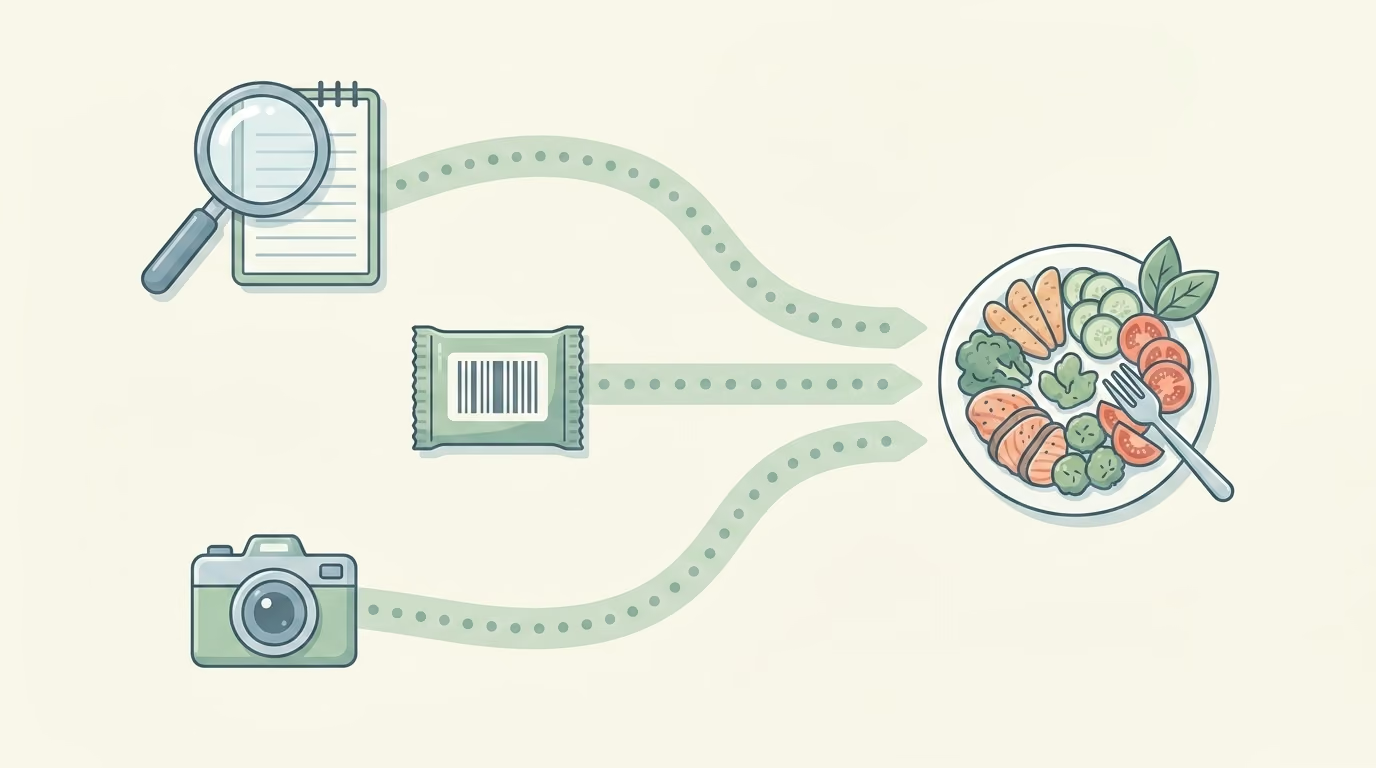
Estimates from a photograph. Cal AI, Tavita and a growing crowd of newer apps lead with the camera rather than the search box: you photograph the plate and a model estimates what is on it. This is dramatically faster, and it is the only one of the three methods where the app is guessing at the portion rather than looking it up. We went through the evidence on that in our piece on how accurate AI calorie apps are, including the National Institutes of Health work that weighed real meals and found photo-based apps running a few hundred calories light per meal on average.
A curated database is precise about a food you have to find. A photo is instant about a food it has to guess. Neither one is accuracy; they are different halves of it.
What did the research actually measure, and what did it miss?
The most detailed validation of a mainstream tracker is worth knowing in full, because the result gets quoted in both directions. A team at KU Leuven had 50 people keep four-day food records in MyFitnessPal, twice, a month apart, and compared the app’s output against the Belgian national food composition database. It was published in the Journal of Medical Internet Research in 2020.
Their finding, verbatim: cleaned MyFitnessPal values showed “strong correlations with Nubel for energy intake (r=0.96), carbohydrates (r=0.90), fat (r=0.90), protein (r=0.90), fiber (r=0.80), and sugar (r=0.79), but weak correlations for cholesterol (ρ=0.51) and sodium (ρ=0.53).” The authors concluded the app is “accurate and efficient for total energy intake, macronutrients, sugar, and fiber, but not for cholesterol and sodium.”
Read that pattern again, because it’s the whole argument of this article in one result. The app is strong on the numbers it was built around and weak on the ones at the edge of its coverage. Sodium is on the label and it still correlated at 0.53. Nothing beyond the label was even testable, because the values aren’t there to test.
An earlier study points the same way. Researchers compared five popular apps (Samsung Health, MyFitnessPal, FatSecret, Noom Coach and Lose It!) against a UK reference method using weighed food records, and reported that Samsung Health and MyFitnessPal significantly underestimated calcium, iron and vitamin C. The apps disagree with the reference least on calories and most on the micronutrients, which is the opposite of the order most people assume.
Two caveats, and one that cuts our way
The Leuven study ran against a Belgian reference database with Belgian foods, so the match-quality problem it measures is not identical to what a US user would hit, and it’s from 2020. It’s still the most detailed published look at a consumer tracker’s full nutrient output. Photo apps have since been validated too, and not favourably: a 2026 study in npj Digital Medicine measured the AI photo app SNAQ against doubly labelled water, a physiological reference rather than a database one, and found it underestimated energy intake by 25 percent. That finding applies to the method our own app uses.
Nutrition apps compared side by side, with dates
Prices and features in this category change every few months, so every cell below is what the company published as of August 2026. The one exception is our own row, which we updated in September 2026 when Tavita became free to use. Sources are listed at the end. Where a company doesn’t publish a figure, the table says so rather than guessing.
| App | Nutrients it counts | Where the food data comes from | Free tier | Paid, August 2026 |
|---|---|---|---|---|
| Cronometer | Up to 95 nutrients and compounds (company figure) | Curated database, every submission reviewed; entries tagged by data source | Yes, with ads. Barcode scanning included | Gold $10.99/month or $59.99/year |
| MyFitnessPal | Six micronutrients: the pre-2016 US label set | 19 million entries (company figure), user- and expert-contributed; a check mark means reviewed | Yes. Barcode and meal scanning are paid | Premium $79.99/year, $19.99/month on the App Store; Premium+ $24.99/month or $99.99/year |
| MacroFactor | Vitamins and minerals via its Nutrient Explorer; total not published | Verified database, plus an adaptive calorie and macro coach | No. Seven-day trial | $11.99/month or $71.99/year, among several plans |
| Lose It! | Vitamins and minerals under premium Advanced Tracking; total not published | Member-submitted with reviewed entries marked | Yes. Barcode scanning is paid | Several premium plans, $9.99 to $79.99, including lifetime options |
| Cal AI | Not published | Estimated from a photograph | Free to download | Nine “Unlimited” purchases from $2.99 to $29.99, none showing a billing period |
| Tavita (ours) | 33 nutrients and compounds: 28 vitamins and minerals, plus lutein and zeaxanthin, EPA, DHA, fiber and creatine | Estimated from a photograph; supplement labels from NIH DSLD, with RxNorm and openFDA behind the interaction checks | Yes, no account needed. Interaction checks and barcode logging are free; AI features like photo logging and label scans are paid | $12.99/month or $59.99/year |
App Store listings for Lose It! and Cal AI show several purchase options without stating which is monthly and which is annual, so those are reported as published rather than converted into a yearly price. Apple shows at most ten purchases per listing, so none of these lists is necessarily complete.
Which nutrition app fits the question you’re asking?
Nobody needs the best nutrition app. You need the one that answers the question you actually have, and those questions have different winners.
- “Am I eating more than I think?”Almost any of them, and the free tiers are fine. Consistency beats precision here, so pick the one whose logging screen annoys you least and stay in it. Switching apps mid-goal resets your own baseline, which costs more accuracy than the difference between the apps.
- “Am I short on iron, magnesium or B12?”Cronometer, or something else that stores those values. This is the question MyFitnessPal and the label-set apps structurally can’t answer, and no amount of diligent logging changes that.
- “My weight loss stalled and I don’t know my real calorie need.”MacroFactor. Its whole design is an algorithm that re-estimates your energy expenditure from your own intake and weight data. That makes it a different product altogether from a food diary with a calculator bolted on.
- “I will not log anything that takes more than ten seconds.”A photo app, ours or one of the others. The honest framing is that you’re trading portion precision for the chance of still logging in week six, and for most people that trade is worth making.
- “I take six supplements and want to know if that’s sensible.”This is the question almost nothing in the category is built for, and it’s where we put our effort: a supplement tracker that checks the stack against itself and against any medicines you take.
Where Tavita is the wrong choice
Three cases, and in each one I’d tell you to use something else.
You want the deepest nutrient coverage from a curated database, for free.That’s Cronometer, and it isn’t close. It counts more nutrients than we do, every user-submitted entry is reviewed by a human team, and the free tier is properly usable. CSPI’s reviewers called it the most reliable free app they found, and I have no argument with that.
You want a coach that recalculates your calorie target from your own data.That’s MacroFactor. We don’t do adaptive expenditure modelling and aren’t trying to.
You eat out constantly and want the restaurant already in the database.That’s MyFitnessPal, on breadth of restaurant and packaged-food coverage. A photo estimate of a restaurant plate is a guess about a portion someone else decided, which is the hardest case for our approach and the easiest for a database with nineteen million entries in it.
The physics of photo estimation applies to us exactly as it applies to every other photo app, including the doubly labelled water result above. We’re not more accurate about portion size than the rest of the category, and anyone claiming a decimal-point advantage there should be asked what they measured against.
If you take prescription medicines alongside your supplements, that’s the case Tavita is built for. The app flags the most serious combinations for free, with no account. And our methodology page sets out where our numbers come from and where they stop being reliable.
Where we think Tavita earns its place
We built for the person who takes supplements and has no idea whether the stack makes sense. That’s a real and badly served group: the nutrient trackers treat supplements as another food entry, and the supplement apps are reminder checklists that know nothing about what you ate.
So Tavita reads the meal from a photo and tracks 33 nutrients and compounds under the calorie total (28 vitamins and minerals, plus lutein and zeaxanthin, EPA, DHA, fiber and creatine). Then it adds what a food diary can’t: it counts your supplements against the same daily reference intakes and upper limits as your food, times them around each other, and flags the combinations that interfere.
It does the same for prescription medicines. The drug interaction checker checks each medicine and supplement you add against the rest, using a library of more than 15,000 known interaction pairs. The supplement stack checkerworks on interactions and ceilings rather than portion estimates, which means it isn’t exposed to the weakness described above. Supplement labels come from the NIH Dietary Supplement Label Database, with RxNorm and openFDA behind the interaction checks and USDA behind the food data.
The free nutrient reference libraryis the other half, and it’s on the web rather than in the app: a page per nutrient with food sources, reference intakes and upper limits, including what those reference numbers actually mean. You can use all of it without downloading anything, and if it sends you to Cronometer better informed, that is a fine outcome.
Common questions
What is the most accurate nutrition app?
It depends which number you mean. For calories, a peer-reviewed validation of MyFitnessPal found it tracked total energy intake closely against a reference food database (r=0.96), while running weak on sodium and cholesterol. For vitamins and minerals the picture is worse: a separate assessment against a UK reference method found MyFitnessPal significantly underestimated calcium, iron and vitamin C. And accuracy there is decided upstream of any app's cleverness, because an app can't be accurate about magnesium if it never stores a magnesium value.
What is the best micronutrient tracker app?
Cronometer, if what you want is the widest nutrient coverage from a curated food database, and it has a free tier. It publishes a figure of up to 95 nutrients and compounds, and its NCCDB-tagged entries carry lab-analyzed data for 80 nutrients, as the Center for Science in the Public Interest's hands-on review reports. Tavita tracks 33 nutrients and compounds, 28 of them vitamins and minerals, and takes a different route to them: a photo and a supplement label rather than a database search. That's faster to use and less precise per entry.
What is the best app to track nutrients that is free?
Cronometer has the most capable free tier of the three big trackers CSPI reviewed. Its barcode scanner is free, which matters more than it sounds: MyFitnessPal and Lose It! both put barcode scanning behind a subscription, and scanning is the single biggest time saver in day-to-day logging. The trade-offs are advertising, no recipe importer, and a seven-day window on looking back at averages.
Are vitamin tracking apps accurate?
They're more accurate about which foods you ate than about how much of each nutrient reached you. Two things degrade the number: the portion estimate, and gaps in the food entry itself. If an entry has no value stored for folate, your daily folate total silently understates what you ate rather than flagging that it doesn't know. Read the totals as a pattern over a fortnight, not a measurement of a day.
Is there an app that shows which foods contain which vitamins?
Yes, and it's a different feature from tracking. Cronometer's Oracle search lists foods that are good sources of a nutrient you are short on, though it sits behind the paid tier. Tavita's nutrient library is free to read on the web, with a page per nutrient covering food sources and reference intakes, and doesn't require the app.
See what your calorie total is not showing you
Tavita checks your medicines and supplements against each other, flags timing conflicts and upper limits, and tracks 33 nutrients and compounds under your calorie total.
Get TavitaThe app is free, and you don’t need an account. Or browse the nutrient library first, no download needed.
Sources and corrections
Every competitor claim here is taken from that company’s own published material or from an independent review, and dated. Prices and features were checked on 16 August 2026 against US App Store listings and company websites, and they change often. We don’t cite figures whose method has not been published, including the food-database error rates that circulate widely without a stated method. If you represent a product named here and something is inaccurate or out of date, email support@tavita.appand we’ll correct it promptly. This article is general information, not medical advice.
- Evenepoel C, Clevers E, Deroover L, Van Loo W, Matthys C, Verbeke K. Accuracy of Nutrient Calculations Using the Consumer-Focused Online App MyFitnessPal: Validation Study. J Med Internet Res 2020;22(10):e18237.
- Fallaize R, Zenun Franco R, Pasang J, Hwang F, Lovegrove JA. Popular Nutrition-Related Mobile Apps: An Agreement Assessment Against a UK Reference Method. JMIR Mhealth Uhealth 2019;7(2):e9838.
- Serra M, et al. Limited validity of an AI-powered app for dietary assessment in females with obesity. npj Digital Medicine 2026. SNAQ against doubly labelled water.
- Moyer L, Koch M. Our guide to food-tracking apps. Center for Science in the Public Interest, updated 24 January 2024. Quotes here are taken from the 1 June 2025 archived copy, since the live page currently returns an error to automated readers.
- US Food and Drug Administration, What’s New with the Nutrition Facts Label, on vitamins A and C becoming voluntary and vitamin D becoming mandatory.
- Cronometer Gold and Cronometer’s App Store listing.
- MyFitnessPal Premium, MyFitnessPal on monitoring nutrient intake, and its App Store listing.
- MacroFactor’s Nutrient Explorer announcement and its App Store listing.
- App Store listings for Lose It! and Cal AI.
- Charles O, Hengist A, et al. Photo-based calorie-tracking applications underestimate energy and fat content of meals. Presented at NUTRITION 2026, American Society for Nutrition. Conference abstract; not peer reviewed. Covered in our article on AI calorie app accuracy.